Lawn Care Software
Every Customer. Every Detail. In Your Pocket.
Property notes. Job history. Lead to Active. Your whole customer list, organized.
Start Free TodayYou've got 60 customers. The details that matter live in your head.
You know the dog is in the backyard at the Henderson property. You know Smith wants the back gate latched when you leave. You know the Johnson account is overdue but they're good for it. This is running your business on tribal knowledge.
It works until you're sick, you're hiring, or you're managing three crews instead of one. The moment anyone other than you touches a job, something gets missed.
ProBase stores every customer detail in a permanent record. Property notes show up on the job detail page before the crew starts. Status filters tell you instantly who's active, who's a lead, and who hasn't booked in a while.
Your customer list, actually useful
Not just names and phone numbers. The full picture of every account.
Lead → Active → Recent → Inactive
Every customer has a lifecycle status. Filter by Lead to follow up on prospects. Active shows your current accounts. Recent shows customers who haven't booked lately. Inactive shows who you've lost.
Property notes for every account
Add permanent notes to any customer record: gate codes, dog in yard, skip the back corner, billing notes. Crew members see these notes on the job detail page before they start.
Full contact details
Name, address, phone, email. Everything in one place. Tap to call or text directly from the customer record.
Job history per customer
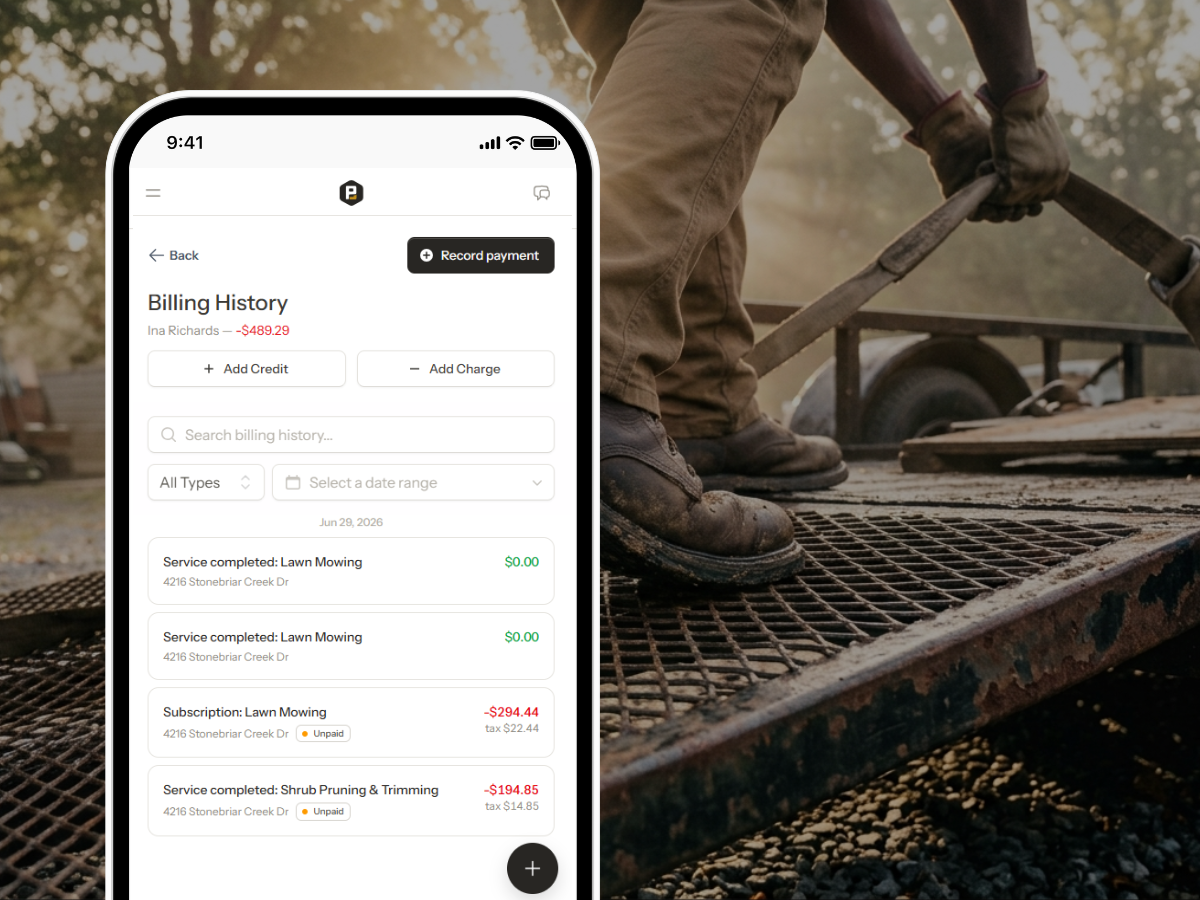
See every visit, every charge, every note for a customer. When a customer says "you missed my lawn two weeks ago," you have the record.
Estimate history
All quotes sent to this customer—accepted and declined—live on their record. See what they've signed up for and what they've passed on.
Notes carry to the field
Property notes aren't just for the office. Every crew member sees customer notes on their job detail screen before starting the job.
Branded contact form — no website required
Get a shareable link at your own URL. Drop it in your Instagram bio, post it on Nextdoor, or print it as a QR code for your truck. Someone taps, fills out their info, and lands in ProBase as a new lead automatically.
See your marketplace customers in the same app as your own, each marked with the marketplace's logo.
How lawn pros track customers today
Most approaches work for 20 customers. At 60, they start breaking down.
| Method | What happens |
|---|---|
| Phone contacts | Names and numbers, nothing else. No property notes, no status, no history. |
| Spreadsheet | Better than contacts for tracking details, but manual to update and invisible on the job. |
| Sticky notes and memory | Works great until you hire your first helper or get sick for a week. |
| Jobber | Starts at $69/mo. Strong CRM, sized and priced for larger operations. |
| ProBase | Full customer records with lifecycle status, property notes, job history, and field visibility. Free. |
The best time for a crew member to learn a customer's property details is before they pull into the driveway—not mid-job when something goes wrong.
Get leads while you sleep
ProBase gives your business a branded contact form at its own URL. No website required. Someone taps the link, fills out their name, address, and what they need — and they land in your ProBase account as a new lead.
Drop the link wherever customers already find you
Instagram or Facebook bio
One tap from your profile to a form that looks like your business, not a Google Form someone typed up in 2019.
Your truck, trailer, or yard sign
ProBase generates a QR code you can download and print. Anyone who sees your rig can submit their info on the spot.
Nextdoor posts and neighborhood groups
Drop your link instead of your number. Leads come in organized with name, address, and notes — not buried in a thread.
Customer referrals
Tell your best customers to send the link. Their neighbor fills it out, the lead lands in ProBase, and you follow up when it works for you.
Watch: Add a customer and their property
See how to add a new customer and their property—phone, address, a locked gate code, and a note your crew sees before the job starts.
The customers in this video come from a demo account.
In this video
- Adding a New Customer from HomeBase with name and phone
- The address autocomplete and the locked gate code
- A property note your crew sees before the job
- What's next: schedule a job, create a quote, or book an assessment
Customer records in action
Customer management ties every other ProBase feature together.
Common questions
Answers to what lawn pros ask most.
Every detail. Every customer. Never lost.
Join lawn pros using ProBase to organize customers, brief crews, and build a business that doesn't live in your head—free.
Start Free Today