Lawn Care Software
Plan Your Lawn Route. Hit Every Stop.
See all your stops. Optimize the drive. Open in Google Maps or Apple Maps. Free.
Start Free TodayYou've got 12 properties today. You're still figuring out the order at 7am.
You know the area. You could drive the route with your eyes closed. But figuring out the most efficient order—every single morning—still takes 10 minutes in your head or on Google Maps.
And when a customer reschedules or you add a last-minute job, you're back to rebuilding the route from scratch.
ProBase shows you every stop for the day, lets you reorder with a drag or tap Optimize Drive, then opens navigation in whatever map app you prefer. The route is always ready.
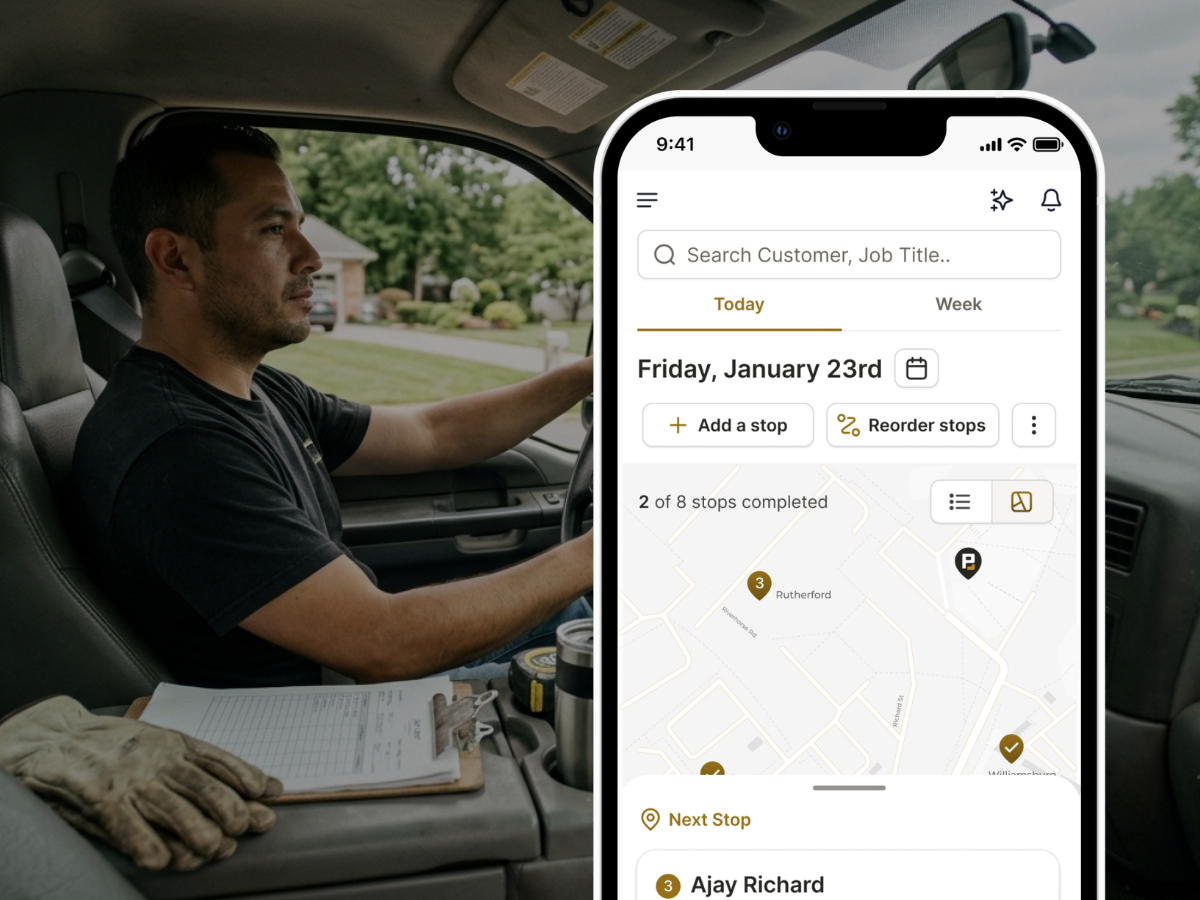
Route built for lawn crews
Every stop for the day, in the right order, with navigation one tap away.
See every stop at a glance
Your daily route shows every scheduled job in one list. Customer name, address, service type. Everything you need to know before you start driving.
Optimize Drive
Tap Optimize Drive and ProBase reorders your stops for the most efficient route. Less backtracking. Less windshield time. More lawns done.
Google Maps or Apple Maps — your choice
ProBase supports both. Set your preference once in ProBase settings. Every tap to navigate opens in that app automatically.
Drag to reorder
Need to move a stop earlier or later? Drag it. Manual reorder works alongside auto-optimization—you're always in control.
Background auto-optimization
ProBase continuously refines your route order as your day changes. Add a job, remove one, reschedule—the route updates automatically.
Navigate to any stop instantly
Tap any job on your route and open navigation immediately. Never copy an address to paste into Maps manually.
Get jobs from LawnStarter too? Connect your account and see LawnStarter jobs on the same route as your own customers.
How lawn pros plan routes today
Every approach has a workaround. ProBase is the first time route planning is built into the job itself.
| Method | What happens |
|---|---|
| Mental map | You know your area. Works until a new customer is added, a stop reschedules, or you're running someone else's route. |
| Google Maps custom lists | Build a list, get directions. Doesn't connect to your job schedule. Rebuilding every time something changes. |
| Spreadsheet + MapQuest | Export addresses, paste them in, get a route. Completely disconnected from your actual jobs. |
| Route4Me / OptimoRoute | Dedicated routing software. Works well but adds another subscription—$40–$80/mo—for a single feature. |
| ProBase | Route is built from your schedule. Optimize Drive, drag reorder, tap to navigate in Google Maps or Apple Maps. Free. |
The best route isn't just the shortest drive. It's the one that's ready before you hit the road—not built in your head at 7am.
Watch: Put your route in the best driving order
See how to reorder tomorrow's stops with Optimize Drive—preview the drive time saved, apply the new order, or undo it before your first stop.
The customers and drive times in this video come from a demo account.
In this video
- Opening tomorrow's route on your Schedule
- Reorder stops and picking the crew
- The Optimize drive preview—drive time saved and each stop's new time next to its old one
- Applying the new order, and Undo if you change your mind
Before and after the route
Route management lives in the middle of your day. These features handle the rest.
Common questions
Answers to what lawn pros ask most.
Your route. Ready before you leave the driveway.
Join lawn pros using ProBase to plan routes, optimize drive order, and navigate stop to stop—free.
Start Free Today