Sell Seasonal Contracts. Get Paid on Schedule.
Set your seasonal price and let ProBase handle the billing. Automatically split contracts into scheduled payments, bill extra visits when customers exceed their service cap, and stop billing when the contract ends. No spreadsheets. No surprise April charges.
Free to UseFree. No credit card.
The spreadsheet works. Until March.
You sold a number for a term. $1,800, November through March, however many times it snows. The price was settled the day your customer signed. The only open question is how it reaches your bank account.
Most small outfits run that on a spreadsheet, and there's nothing wrong with that. One tab for who's on contract, one column per installment, a highlight on whoever's behind. It's free, you built it, and in November it's right.
Then it's March. You're squaring a winter of memory against a bank statement: who paid in January, which lot went past its cap, whether the extras ever got billed. Put the season on a monthly subscription instead and it bills until somebody cancels it, which is how a plow customer ends up charged in April.
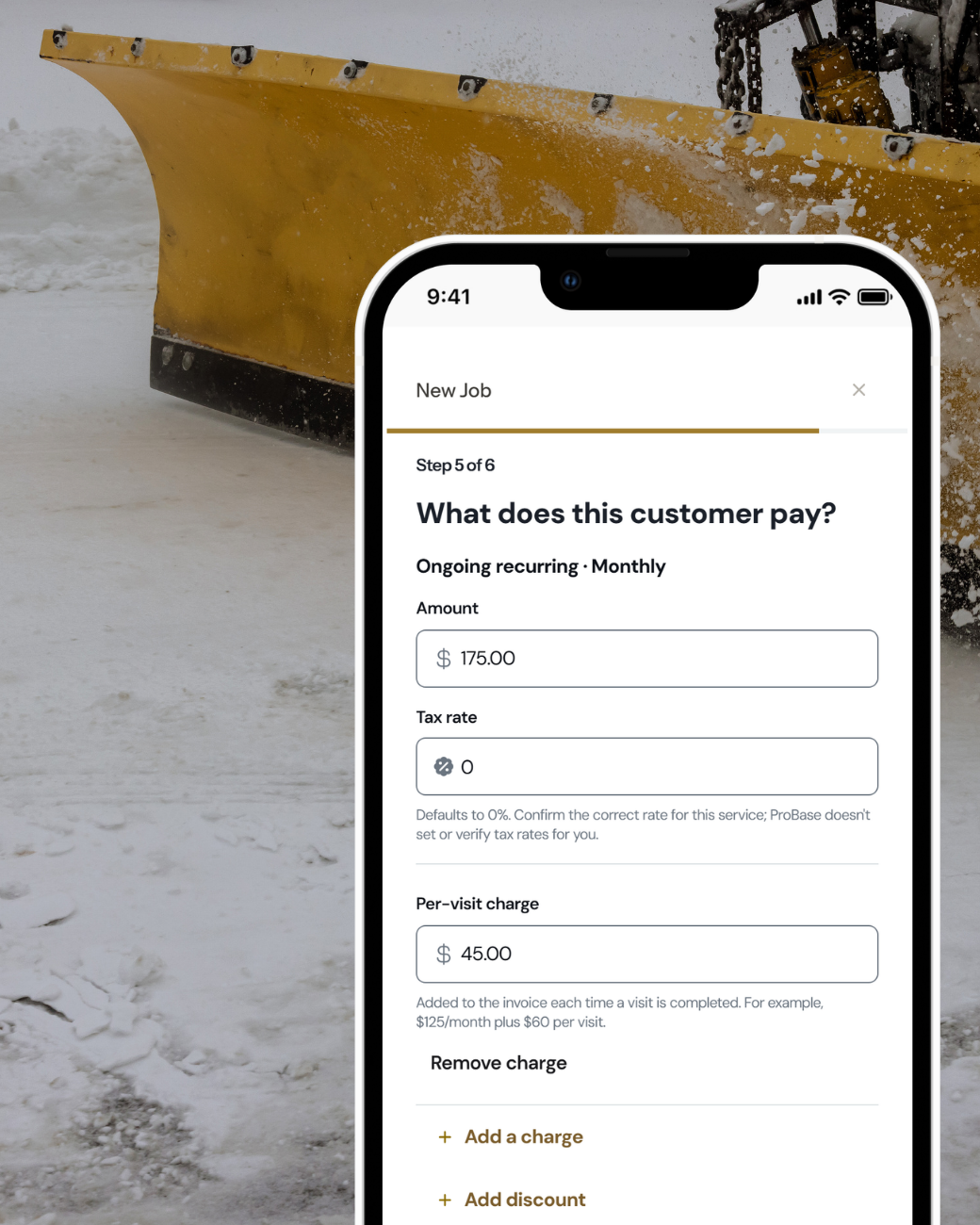
ProBase snow removal software bills a contract as a contract: one price, a term with an end on it, and payments that always add up to what you sold. Setup asks one question per screen. Monthly retainers still bill as a subscription, for the customers who want one.
One contract. Every payment on schedule.
Sell the season at a single price and collect it on the exact terms your customer agreed to.
$1,800 becomes five payments of $360.
Pick a monthly split from November through March—or collect it all up front—and preview the breakdown before you save.
- Invoices generate automatically for each scheduled payment
- Track progress right on the job ("2 of 5 payments charged")
- Collect 100% up front or split across any month range
Say yes to custom payment terms.
Need a larger deposit up front or zero billing in February? Adjust the schedule and verify the math before locking it in.
- Shift due dates or edit individual payment amounts
- Add or remove installments on the fly
- Totals automatically reconcile to the full contract price
Get paid for heavy winters, too.
Cap the number of pushes included in a seasonal contract and set an overage rate—so record snowfall stops eating your margin.
- Track limits by total visits, passes, or service days
- Dispatch flags contracts the moment they hit their cap
- Extra visits bill automatically upon completion
Stop making the awkward collection call.
Set your grace period and percentage once, and let overdue balances handle themselves.
- Invoices clearly display the last fee-free date up front
- Late fees apply once and re-send the invoice automatically
- Waive any fee with a single click if you cut someone a break
Nobody gets charged in April.
Built-in contract end dates close out the job and stop billing automatically when the season wraps.
- No recurring subscriptions to manually cancel
- No angry April phone calls asking why an invoice went out
- Season boundaries are locked in from day one
Next winter is already set up.
Roll seasonal contracts over in seconds—copying the entire job setup and shifting every date forward by a year.
- Carries over pricing, visit limits, and billing schedules
- Preserves trigger depths, assigned crews, and treated areas
- Keeps default salt and material specs intact
Price the season so it holds up in a light winter.
This is the objection that kills season quotes, and it cuts both ways. Price off a light winter and the next one buries you for the same money. Price off the heavy year, get a quiet one, and your customer spends April certain they overpaid. Two seasons of that and the account goes out for bid.
One plow operator on r/Snowplow put it plainly: “I always feel bad when it's a light winter but hey, we sell readiness not necessarily the work.” Your customer is buying a truck that's theirs at 3am, a route with their address on it, and a winter they don't have to think about. Fourteen inches or a dusting, you were ready.
One way to work out the number: average annual snowfall divided by your trigger depth is the pushes a normal winter owes you. Multiply by what one push is worth and you have what the season price has to clear. 48 inches at a 2-inch trigger is 24 pushes. At $75 a push, that's $1,800.
ProBase doesn't run that math. Once you have, it holds both halves of the deal: the price, and the cap on what the price covers.
What the spreadsheet can't do.
| Spreadsheet and QuickBooks | Subscription billing | ProBase contract | |
|---|---|---|---|
| Splitting the price | You do the division | Bills an amount, not a total | Split for you, always adds up to the price |
| Knowing who's behind | A highlighted column | Charges keep coming | "2 of 5 payments charged" on the job |
| Visits past the cap | Counted from memory | Not counted | Counted, extras bill at your price |
| When the season ends | You remember to stop | Bills until you cancel | Hard End Date stops billing automatically |
| Next winter | Copy the row | Set it up again | Duplicate job |
The spreadsheet isn't wrong. It just doesn't know the season ends.
The contract covers the season. These cover the storm.
Common questions
Sell the winter once. Get paid all winter.
Put each contract on file once: the price, the term, the payment schedule and the trigger depth. Payments land on their invoices on their dates, the End Date stops the billing, and next winter is one Duplicate job away.
Weighing us against software that charges monthly? Jobber vs ProBase →
Free to Use